Go mobile with an easy-to-use iPad POS system
Get out from behind the counter. Whether you're running a retail store or a restaurant, Lightspeed's iPad POS system helps you provide your customers with a better experience.
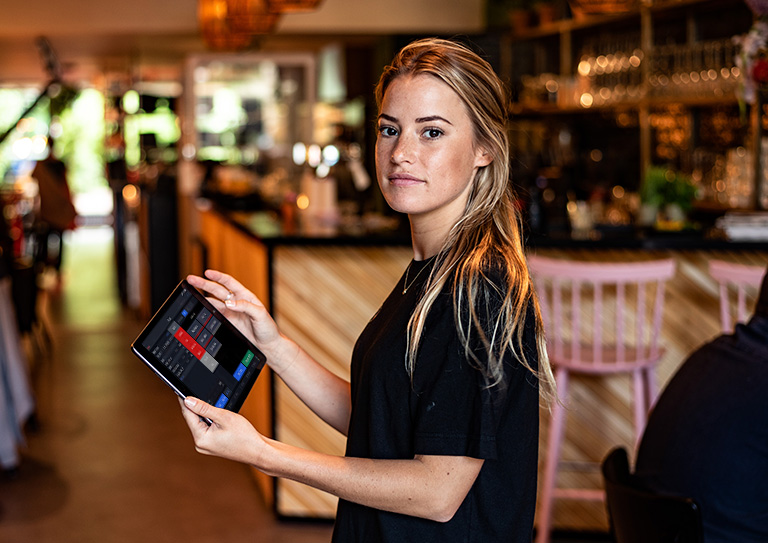
Lightspeed has iPad POS systems for retail stores and restaurants.
Which solution are you looking for?
iPad POS tools for retail stores and restaurants.
Lightspeed's retail and restaurant cloud-based iPad POS systems are easy to learn and intuitive to use. Upgrade your business to the tablet point of sale powering over 74,000 customer locations worldwide.
- Whether you have your own or use a Lightspeed iPad, run your business on sleek, modern hardware
- Benefit from cloud-based data so you can keep an eye on your business' performance from anywhere
- Provide on-the-spot service with an iPad POS that follows you and your customers
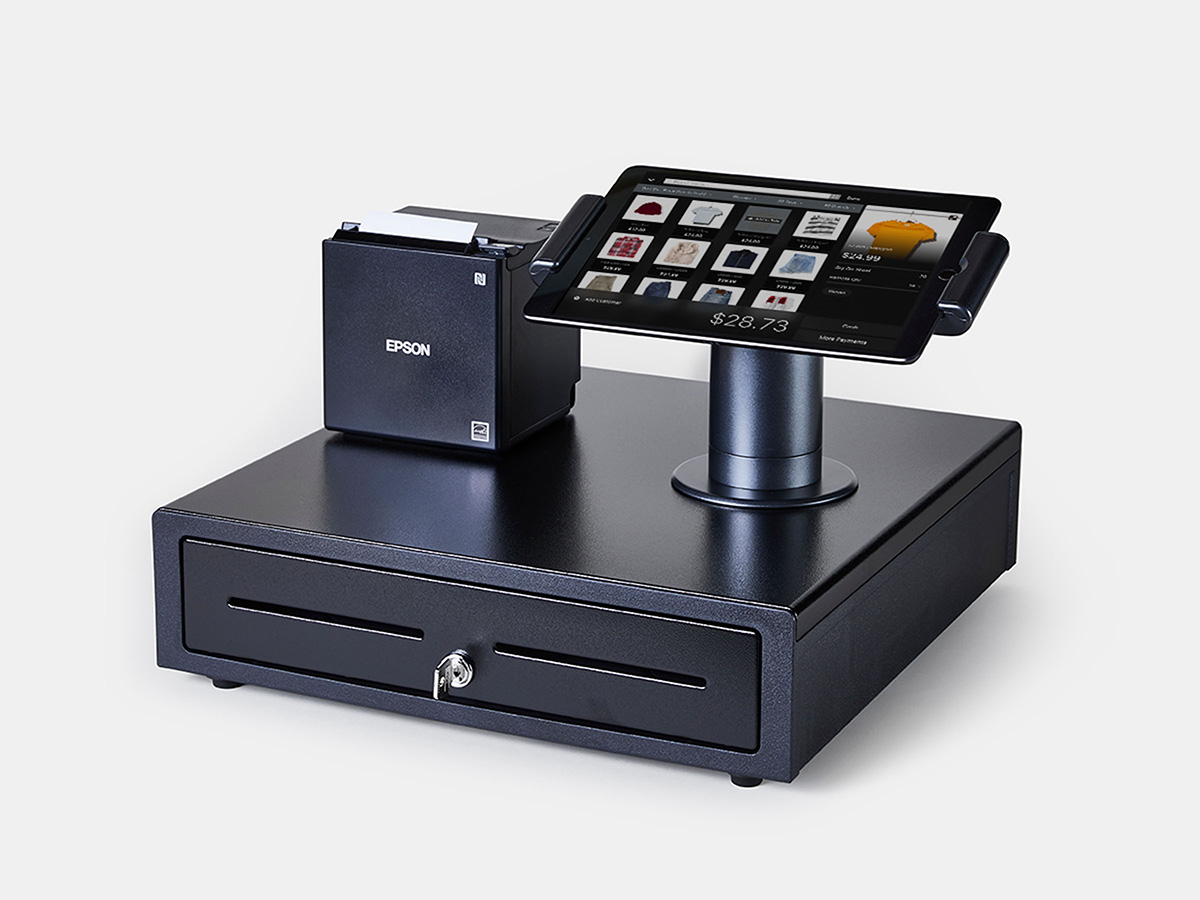
Help more customers from anywhere in your retail store.
Say goodbye to legacy systems and clunky hardware. With Lightspeed Retail's iPad POS system, everything you need to create a personalized experience for your customers is right in the palm of your hand.
A mobile POS system that modernizes your in-store experience.
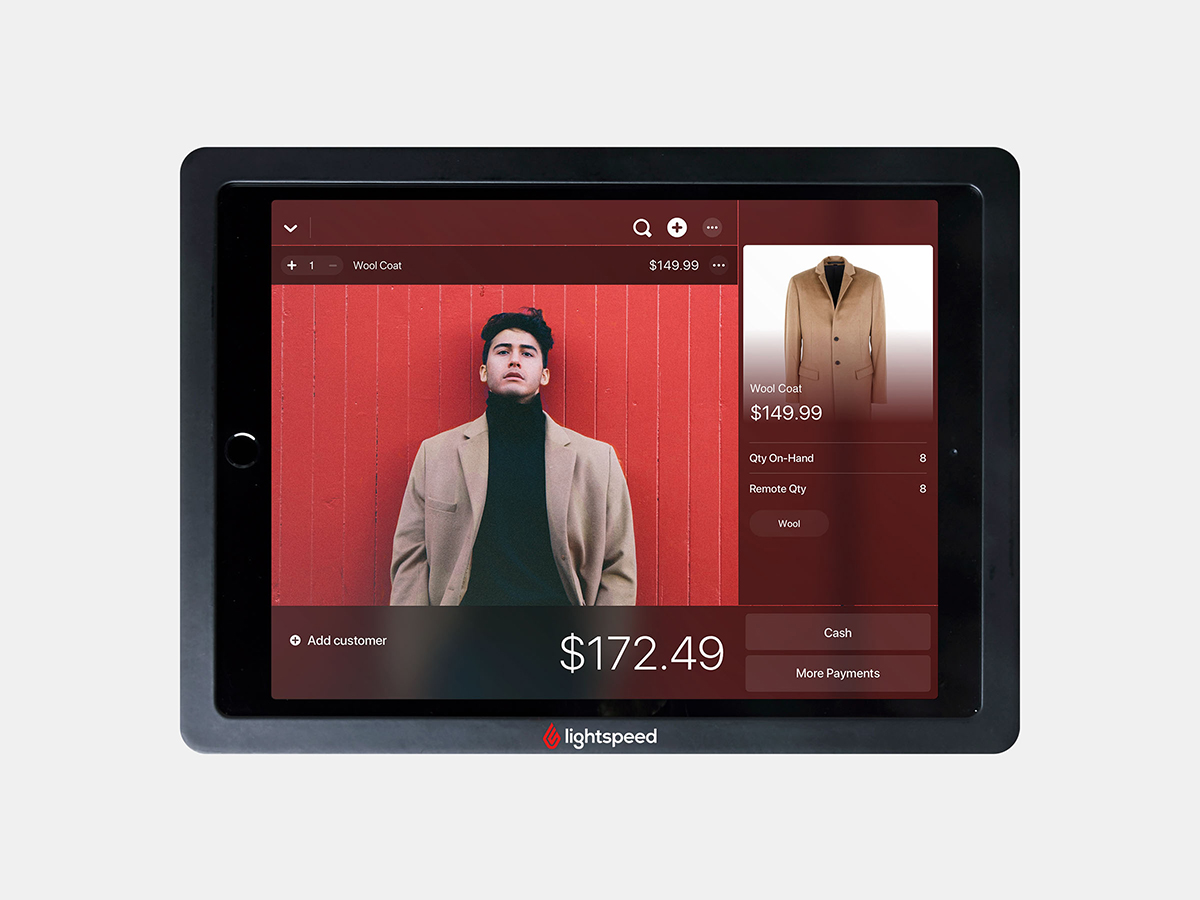
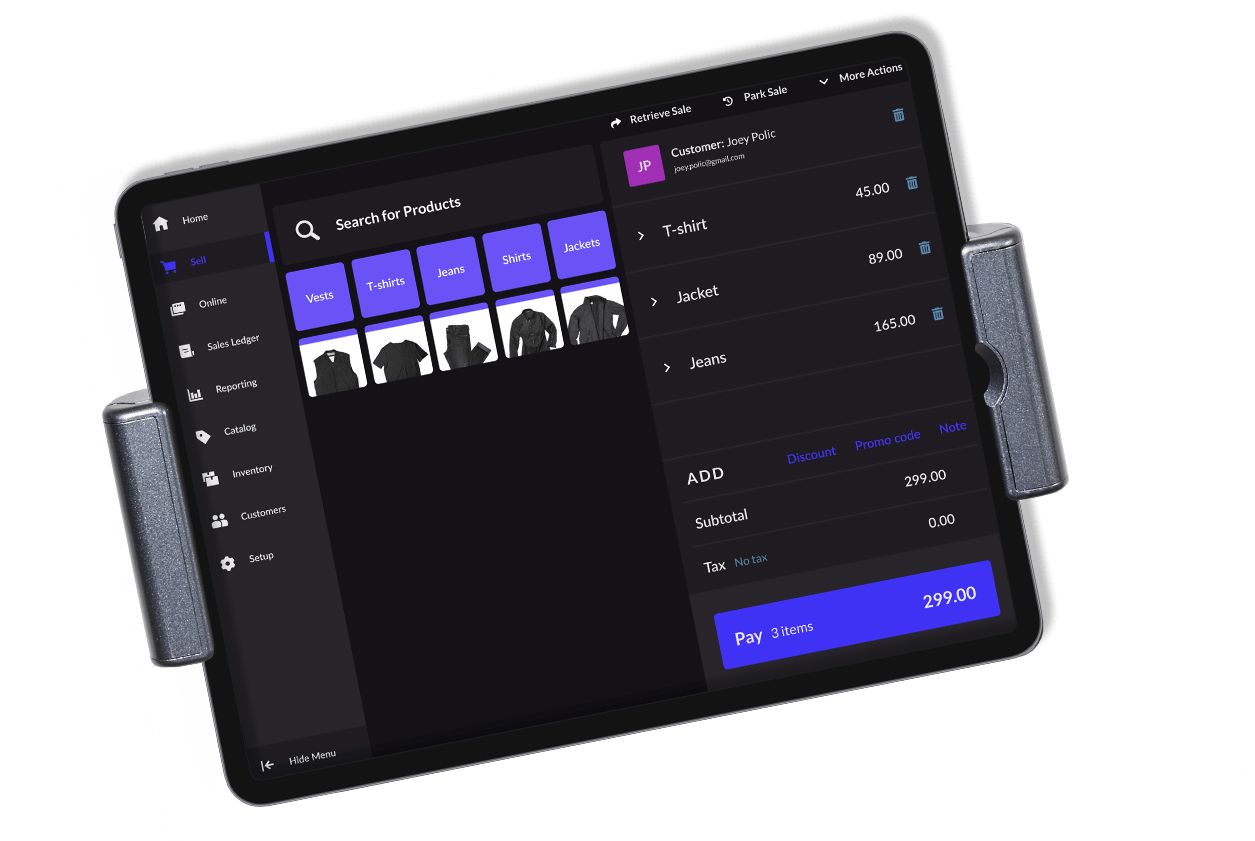
Untether your employees from the till. With Lightspeed's iPad POS, anywhere can be your checkout counter—customers can request more information, make payments and join your loyalty program on the spot thanks to a mobile, connected workflow.
- Give customers personalized service anywhere in store with customer profiles at your fingertips
- Cut down on long lines and check out customers on the sales floor with your iPad POS system
- Access your inventory levels in seconds to facilitate upselling and product recommendations
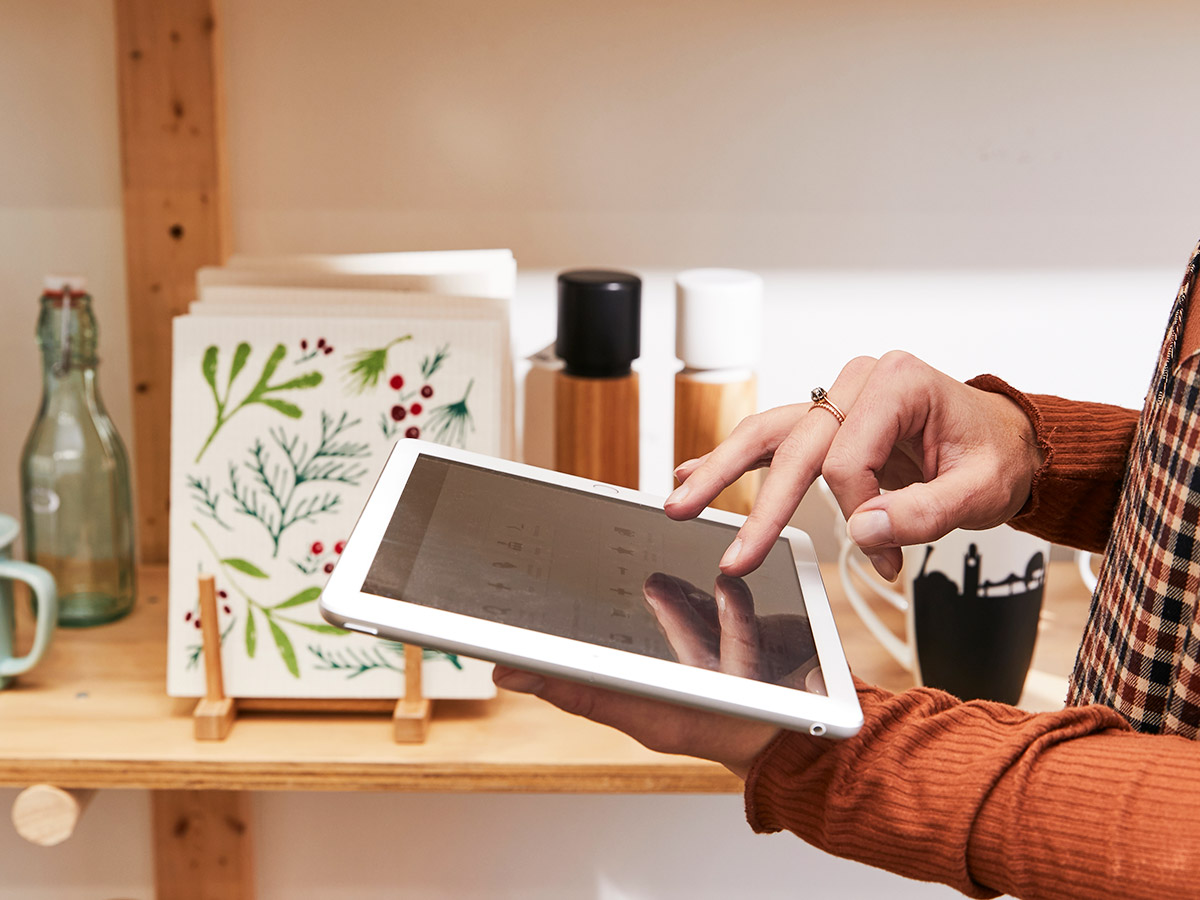
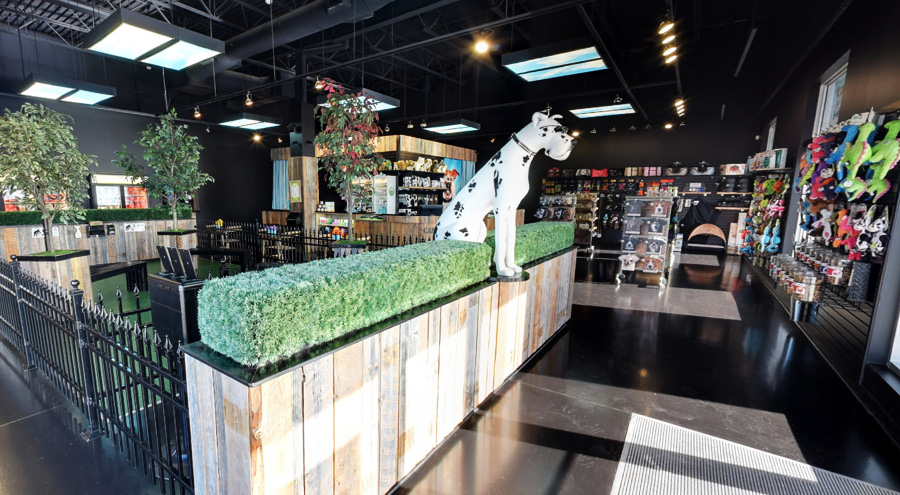
Retailers powered by Lightspeed's iPad POS system






See how Lightspeed Retail compares to the rest.
What do you sell?

Start your free trial
And see how our POS can work for you.
A dine-in experience that leaves a lasting impression on your guests.
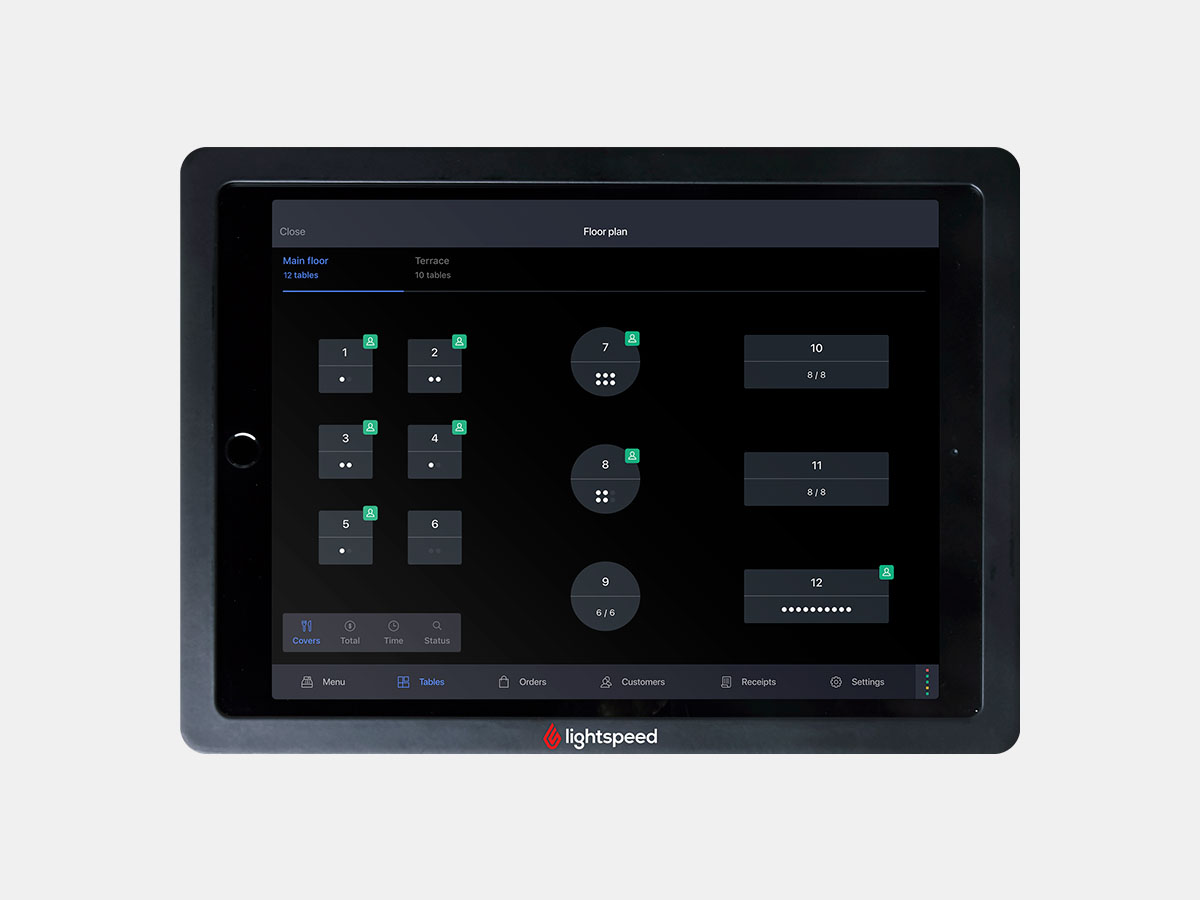
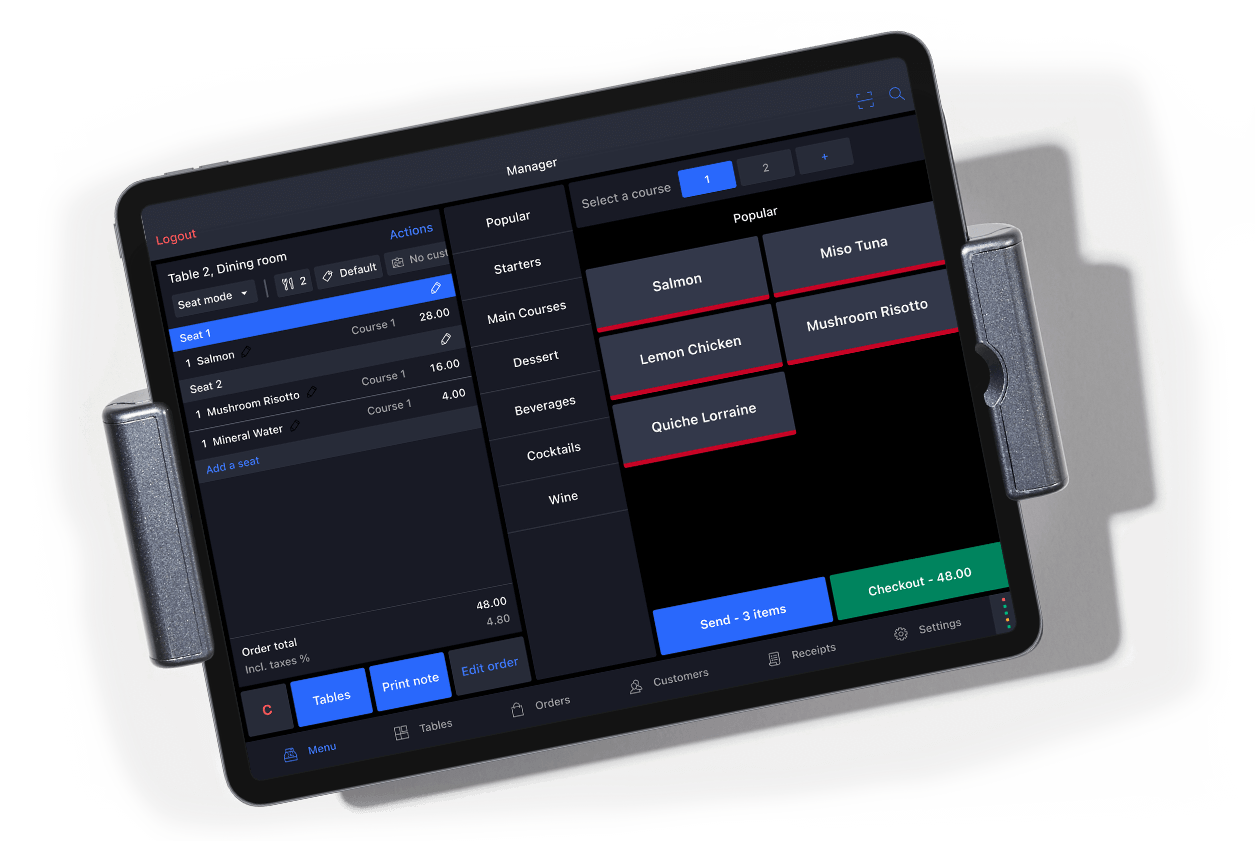
With Lightspeed Restaurant's iPad POS in hand, you have everything you need to provide excellent service. Orders get to the kitchen faster and payments are processed on the spot, freeing your staff up to focus on what matters—the guest experience.
Faster turnover from efficient iPad POS tools.
Equip your employees with the tools they need to serve up experiences that leave a lasting impression. Our iPad POS system helps you improve turnover with features designed to boost efficiency.
- Fire orders directly to the kitchen as you're entering them tableside with an iPad POS system
- Offer guests to pay from their seat with mobile payment options
- Activate Quick Service Mode to speed up order intake and payment processing

Restaurants powered by Lightspeed's iPad POS system





See how Lightspeed Restaurant compares to the rest.
Lightspeed vs. Toast
Lightspeed vs. Touchbistro
Lightspeed vs. Square for Restaurant
Lightspeed vs. Revel



What’s your restaurant type?

Start your free trial
And see how our POS can work for you.
Do I need to use an iPad?
Lightspeed Retail POS users are encouraged (but not required) to use the iPad app. Both the backend manager and point of sale can also be accessed on a desktop computer, so you can choose which device you prefer to run your entire business with. No matter the device you choose, you'll get full access to every feature. The main difference is that the iPad app lets your employees take the entire point of sale system with them anywhere in store to assist customers, transforming the shopping experience.
Lightspeed Restaurant POS users must use the iPad app to access ordering functionalities, however, the backend manager can be accessed on both an iPad and a desktop computer. This enables waitstaff to enter orders from anywhere in the restaurant (table, bar or terrace) and send them directly to the kitchen with one tap.
How do the desktop and iPad versions differ?
Lightspeed Retail is an all-in-one system, no matter the device you're on. The desktop version enables backend management and point of sale functionalities. The iPad POS system can be used alongside a desktop computer for both point of sale and most backend management functionalities.
Like Retail, Lightspeed Restaurant is an all-in-one system, no matter the device you're using; the difference is the level of access you have in the POS depending on the device you're using. The desktop version is used to manage your backend only, from menus to floor plans and employee roles. The iPad app was designed to manage your front of house, such as taking orders, but can also let you manage the backend.
Can I use an iPad as a second register?
Lightspeed Retail plans include one register as default, but you can add extra registers to your plan by contacting your sales representative. Your registers don't all need to run on the same device—you can have both desktop computers and iPads running at the same time.
For Lightspeed Restaurant, every iPad registered to your account needs to be linked to a physical cash drawer. Note that if an iPad you’re using is not connected to a corresponding cash drawer, all payments taken through it will be deposited in a virtual cash drawer automatically associated to the user logged in to the device. However you decide to manage this, any iPad associated to your account can be used as an extra register.
Which version of iPad do I need?
In order to use Lightspeed Retail or Lightspeed Restaurant on an iPad, you must have a version capable of supporting iOS 12.2 or higher.